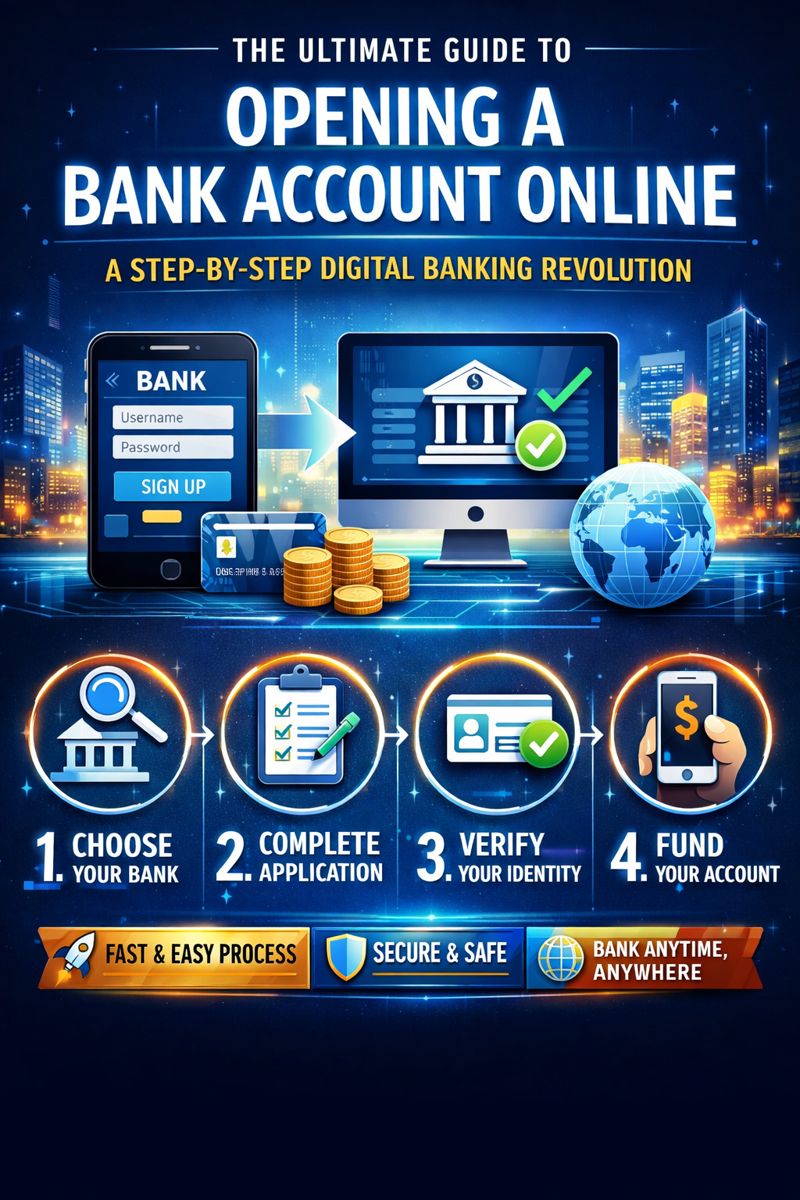
Introduction: Embracing the Digital Shift in Personal Finance
In an era where you can order groceries, stream movies, and even find a life partner with a few screen taps, it's no surprise that banking has undergone a profound digital transformation. Opening a bank account, once a tedious process requiring physical visits, paperwork, and waiting periods, can now be accomplished from your living room couch in under 30 minutes. The shift toward online account opening represents more than mere convenience—it's a fundamental reimagining of how we manage our financial lives.
Digital banking adoption has skyrocketed in recent years, accelerated by global events that made remote interactions not just preferable but essential. Today, over 78% of Americans prefer banking via mobile app or website, according to the American Bankers Association. This comprehensive guide will walk you through everything you need to know about opening a bank account online, from preparation and execution to security considerations and account management in the digital age.
Chapter 1: Understanding Online Bank Account Options
Before diving into the account opening process, it's crucial to understand what types of accounts you can open online and which financial institutions offer them.
Traditional Banks vs. Online-Only Banks
The digital banking landscape is divided between traditional "brick-and-click" institutions that have added online services and neobanks that operate exclusively online.
Traditional Banks with Online Services
Examples: Chase, Bank of America, Wells Fargo
Offer both physical branches and digital platforms
Typically allow you to open checking, savings, CDs, and sometimes investment accounts online
Often have higher fees but more comprehensive service options
Online-Only Banks (Neobanks)
Examples: Ally Bank, Chime, Marcus by Goldman Sachs
Operate without physical branches, reducing overhead costs
Usually offer higher interest rates on savings and lower fees
May have limitations on cash deposits and in-person services
Types of Accounts You Can Open Online
Checking Accounts: The workhorse of daily banking for deposits, payments, and withdrawals
Savings Accounts: For storing emergency funds and saving toward goals, often with higher interest rates
Money Market Accounts: Hybrid accounts with checking features and savings-level interest rates
Certificates of Deposit (CDs): Time-locked savings with guaranteed returns
Joint Accounts: Shared accounts for couples, family members, or business partners
Student Accounts: Special accounts with fee waivers and educational features
Business Accounts: For sole proprietors and sometimes incorporated businesses
Chapter 2: Pre-Opening Preparation: What You Need Before You Begin
Successful online account opening requires preparation. Having the right documents and information ready will streamline the process dramatically.
Essential Documentation Checklist
Personal Identification
Government-issued photo ID (driver's license, passport, or state ID)
Social Security Number (SSN) or Individual Taxpayer Identification Number (ITIN)
For non-citizens: Green card, work visa, or other immigration documents
Personal Information
Full legal name (exactly as it appears on your ID)
Date of birth
Residential address (P.O. boxes are typically not acceptable for primary residence)
Contact information (email and phone number)
Employment information and annual income estimate
Financial Information
Existing account numbers for transfers (if funding the new account)
Credit/debit card information for initial deposit
Information about any co-applicants for joint accounts
Credit Considerations
Many banks perform a "soft pull" credit check when you open an account. This doesn't affect your credit score but helps them verify your identity and assess risk. If you have concerns about your banking history (like previous accounts closed for cause), consider checking your ChexSystems report—the banking equivalent of a credit report—before applying.
Technology Requirements
A reliable internet connection
A smartphone, tablet, or computer
A valid email address you check regularly
Ability to receive SMS/text messages for verification codes
Chapter 3: The Step-by-Step Process of Opening an Account Online
While specific steps vary by institution, the general process follows a predictable pattern.
Step 1: Research and Selection
Begin by identifying banks that meet your needs. Consider:
Monthly fees and minimum balance requirements
ATM access and reimbursement policies
Interest rates on deposits
Mobile app ratings and features
Customer service availability and reputation
Account insurance (FDIC or NCUA coverage)
Pro Tip: Use comparison websites like NerdWallet, Bankrate, or DepositAccounts to filter options based on your priorities.
Step 2: Starting the Application
Navigate to the bank's official website or download their official mobile app. Look for "Open an Account" or "Get Started" buttons. Avoid clicking on ads that might lead to imposter sites—always type the bank's URL directly or use a trusted bookmark.
Step 3: Providing Personal Information
You'll be guided through a series of forms requesting:
Basic identification details
Contact information
Citizenship and tax status
Employment information (some banks may request this for regulatory compliance)
Accuracy is critical: Any discrepancies between what you enter and what's on your official documents can trigger manual review and delays.
Step 4: Identity Verification
Banks use sophisticated methods to verify your identity, often including:
Knowledge-based authentication (answering questions about your credit history)
Document upload (taking photos of your ID)
Biometric verification (facial recognition via your device's camera)
Micro-deposit verification (sending small amounts to an existing account)
Step 5: Funding Your Account
Most banks require an initial deposit, typically ranging from $25 to $100. Funding options usually include:
Electronic transfer from an existing bank account
Debit or credit card payment (may have limits or fees)
Mobile check deposit (taking a photo of a check)
Wire transfer (for larger amounts, may include fees)
Step 6: Reviewing and Submitting
Carefully review all terms and conditions, fee schedules, and privacy policies. Look for:
Monthly maintenance fees and how to waive them
Minimum balance requirements
Overdraft policies and fees
Transaction limits
ATM fee structures
Step 7: Confirmation and Next Steps
After submission, you'll typically receive:
An immediate confirmation with application reference number
Account numbers (may be partial for security)
Instructions for setting up online banking credentials
Information about when your debit card will arrive
Details on how to make your first transactions
Chapter 4: Security Considerations in Digital Banking
Opening accounts online introduces unique security considerations that every user must understand.
Protecting Your Information During Application
Use Secure Networks: Avoid public Wi-Fi when submitting sensitive information
Verify Website Security: Look for "https://" and the padlock icon in the address bar
Recognize Phishing Attempts: Legitimate banks won't ask for your full password or PIN via email
Secure Your Devices: Ensure your computer or smartphone has updated antivirus software
Two-Factor Authentication (2FA) and Beyond
Most banks now require multiple verification methods:
Something you know (password, PIN)
Something you have (smartphone, security token)
Something you are (fingerprint, facial recognition)
Monitoring Your New Account
Set up alerts for:
Transactions over a specified amount
Online purchases
International transactions
Low balance warnings
Password changes or contact information updates
Chapter 5: Post-Opening Account Management
Your relationship with the bank begins once your account is open, not ends.
Setting Up Digital Banking Features
Mobile Banking App: Download the official app and explore its features
Bill Pay: Configure recurring payments and one-time transfers
Direct Deposit: Provide your employer with your new account information
External Transfers: Link external accounts for easy fund movement
Account Alerts: Customize notifications to stay informed
Digital Wallets: Add your card to Apple Pay, Google Pay, or Samsung Pay
Understanding Account Features and Limitations
Learn your daily withdrawal and transfer limits
Understand overdraft protection options
Note any "hold" policies on deposited checks
Identify fee-free ATM networks
Building a Relationship with Your Digital Bank
Even without physical branches, you can:
Use live chat features for quick questions
Schedule phone appointments with specialists
Participate in online financial education resources
Follow the bank's social media for updates and tips
Chapter 6: Special Considerations and Troubleshooting
Common Application Issues and Solutions
Identity Verification Failures
Ensure all information matches your official documents exactly
Try using a different ID type (passport instead of driver's license)
Contact customer support for manual verification options
Application Delays
Some applications require manual review (common for business accounts or unusual circumstances)
Weekday applications typically process faster than weekend submissions
Follow up politely if you haven't heard back within the promised timeframe
Funding Problems
Double-check account and routing numbers for transfers
Ensure sufficient funds in the source account
Verify daily transfer limits on both ends of the transaction
Opening Accounts for Special Circumstances
Students
Look for student-specific accounts with fee waivers
Consider accounts with financial education resources
Note age requirements (minors typically need a parent as joint owner)
Non-U.S. Citizens
Requirements vary significantly by bank
Some accept ITINs instead of SSNs
International identification documents may require translation or apostille
People with Banking History Issues
Consider "second chance" banking programs
Look for accounts that don't use ChexSystems
Start with secured accounts or prepaid cards to rebuild banking relationships
Joint Accounts
Both applicants typically need to provide identification
Consider how each owner will access online banking
Establish clear communication about account management
Chapter 7: Advanced Digital Banking Features
Modern online banking extends far beyond basic account management.
Automation Tools
Automatic Savings: Round-up purchases or schedule recurring transfers
Bill Categorization: Apps automatically sort spending into categories
Goal Setting: Create visual savings goals for specific purchases
Subscription Management: Track and cancel recurring charges
Integration with Financial Apps
Many banks offer APIs that connect with:
Budgeting apps like Mint or YNAB
Investment platforms
Accounting software for small businesses
Tax preparation services
Enhanced Security Features
Virtual Card Numbers: Generate temporary card numbers for online purchases
Transaction Controls: Temporarily freeze cards or limit transaction types
Biometric Login: Use fingerprint or facial recognition for app access
Geofencing: Receive alerts when your card is used outside your usual locations
Chapter 8: The Future of Online Account Opening
Emerging Technologies
Video Verification: Live video calls with bank representatives for identity confirmation
Blockchain-Based Identity: Distributed ledger technology for secure, portable identity verification
AI-Powered Onboarding: Chatbots that guide you through the process conversationally
Open Banking: Secure data sharing between financial institutions for faster verification
Regulatory Developments
Continued evolution of "Know Your Customer" (KYC) requirements
Standardization of digital identity frameworks
Enhanced consumer protection for digital banking
International cooperation on cross-border digital banking
Conclusion: Taking Control of Your Financial Future
Opening a bank account online represents more than just technological convenience—it's an entry point to taking greater control of your financial life. The digital tools now available put unprecedented power in consumers' hands, from automated savings to real-time spending analysis and seamless money movement.
As you embark on your online banking journey, remember that the most important factors aren't technological but personal: choosing accounts aligned with your financial habits, understanding the fee structures, maintaining strong security practices, and regularly reviewing your banking relationships as your needs evolve.
The future of banking is undoubtedly digital, but it's also increasingly personalized, secure, and integrated into our broader financial ecosystems. By mastering the process of opening and managing accounts online today, you're positioning yourself to take full advantage of tomorrow's financial innovations.
Final Checklist Before You Begin
Research banks and compare features
Gather all necessary documents
Ensure a secure internet connection
Read all terms and conditions thoroughly
Set up security features immediately after opening
Establish account monitoring alerts
Explore all digital banking features
Create a plan for regular financial review
Digital banking is no longer the future—it's the present. With this comprehensive guide, you're equipped to navigate it confidently, securely, and successfully. Your journey toward more convenient, accessible, and powerful financial management begins with a simple click.